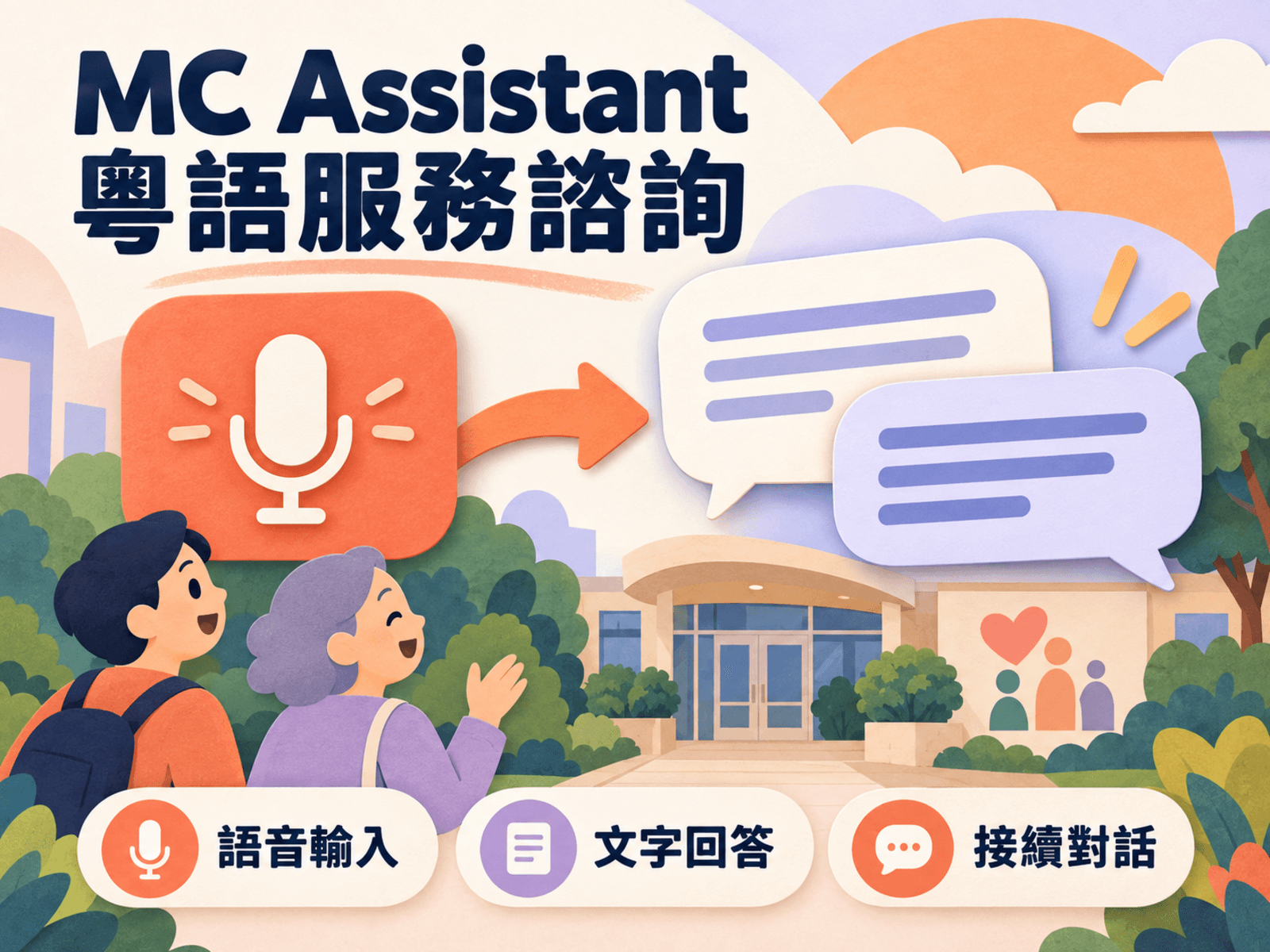
This project gives developers and product teams a hands-on way to evaluate voice input and spoken responses for an application. Users can try speech-to-text on its own, or experience speaking, receiving a text reply, and hearing it read aloud. Working with real utterances helps assess whether an interaction feels usable and where speech could replace part of a keyboard-based workflow.
Follow live transcription
- Prepare to record: On the live transcription page, users choose a microphone and recognition language before recording.
- Live feedback: The page shows connection and recording states, input volume, text that is still changing, and completed segments. Completed results remain visible after recording stops.
- Check input problems: Missing devices, microphone permission issues, and prolonged absence of usable input produce messages, helping distinguish an input-device problem from a recognition-result problem.
Check Cantonese text segment by segment
Cantonese output uses Hong Kong Traditional Chinese. Completed segments show both the original result and the adjusted text, allowing names, wording, and phrasing to be checked against what was said. Segment times and counts help with reviewing short dictation, voice-input tests, or meeting transcription assistance one segment at a time. The text still needs to be checked against the speech, particularly with overlapping speakers, background noise, or specialized names.
Evaluate speech output and conversation
- Text-to-speech: The text-to-speech experience lets users enter material to be read aloud, choose from the available voices and speaking speeds, and listen to the result.
- Voice conversation: The complete voice conversation page combines recording, a text reply, and audio playback, with the latest reply and error information visible.
Product teams can use the same utterance to check recognition, response suitability, and spoken clarity separately, rather than judging only whether any sound was produced.
These flows support evaluating voice integration, checking Cantonese text presentation, and comparing spoken output. Recognition and speech options depend on the configured services. The project provides an interactive voice experience; business use still requires validation with the intended users’ language habits and environment.