ApplicationOpen application
XueZhi AI · School Space Design Platform
Develop school-space and culture-wall proposals with editable concepts, visual alternatives and saved selections for discussion.
AIEducationImage
View case studyTurn garment references into print-design starting points with batch imports, cropping, per-image tracking and selective export.
Scroll to explore · Click to enlarge
PrintX helps designers and sourcing teams organise print artwork from garment reference images. A collection of style photos can become one task: identify the relevant areas, extract the artwork and review the results. Preparation, processing status and delivery stay in one workflow, making it easier to work through a collection and choose motifs worth developing further.
Import a single image, multiple images, a folder or an image archive.
Before submission, choose an upper-body, lower-body or full-body region, along with the output proportions and definition.
A collection can therefore be reviewed and delivered in stages.
History retains batches and individual results for later retrieval, retries and exports. The product provides a starting point for extracting and organising print images, with designers continuing to check detail, colour and production requirements. An extracted result is not a colour-approved, prepress-ready or production-approved print file.
I independently planned and designed the print extraction product, developed its frontend and backend architecture, and handled deployment and iteration. I built per-image tracking, concurrency controls and output storage for batch processing, alongside parent and sub-account billing, payment verification and credit refunds for failed jobs.
Explore more work with similar capabilities or uses.
Develop school-space and culture-wall proposals with editable concepts, visual alternatives and saved selections for discussion.
A personal image creation workspace for text-to-image generation, previews, daily history, downloadable archives, and assistant integration.
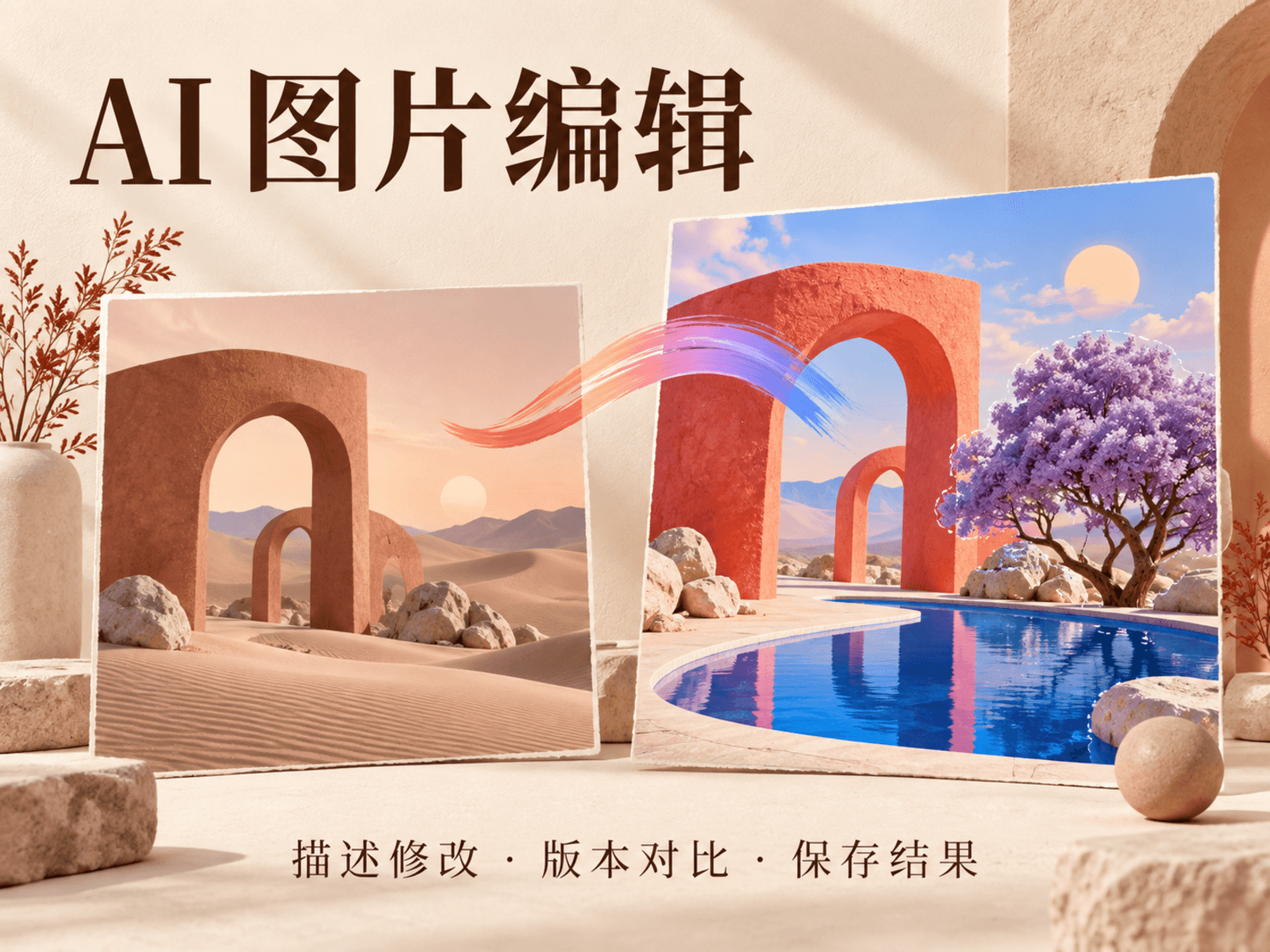
Edit an existing image with written instructions, prepare a crop, compare the result with its source and revisit saved attempts.