ApplicationOpen application
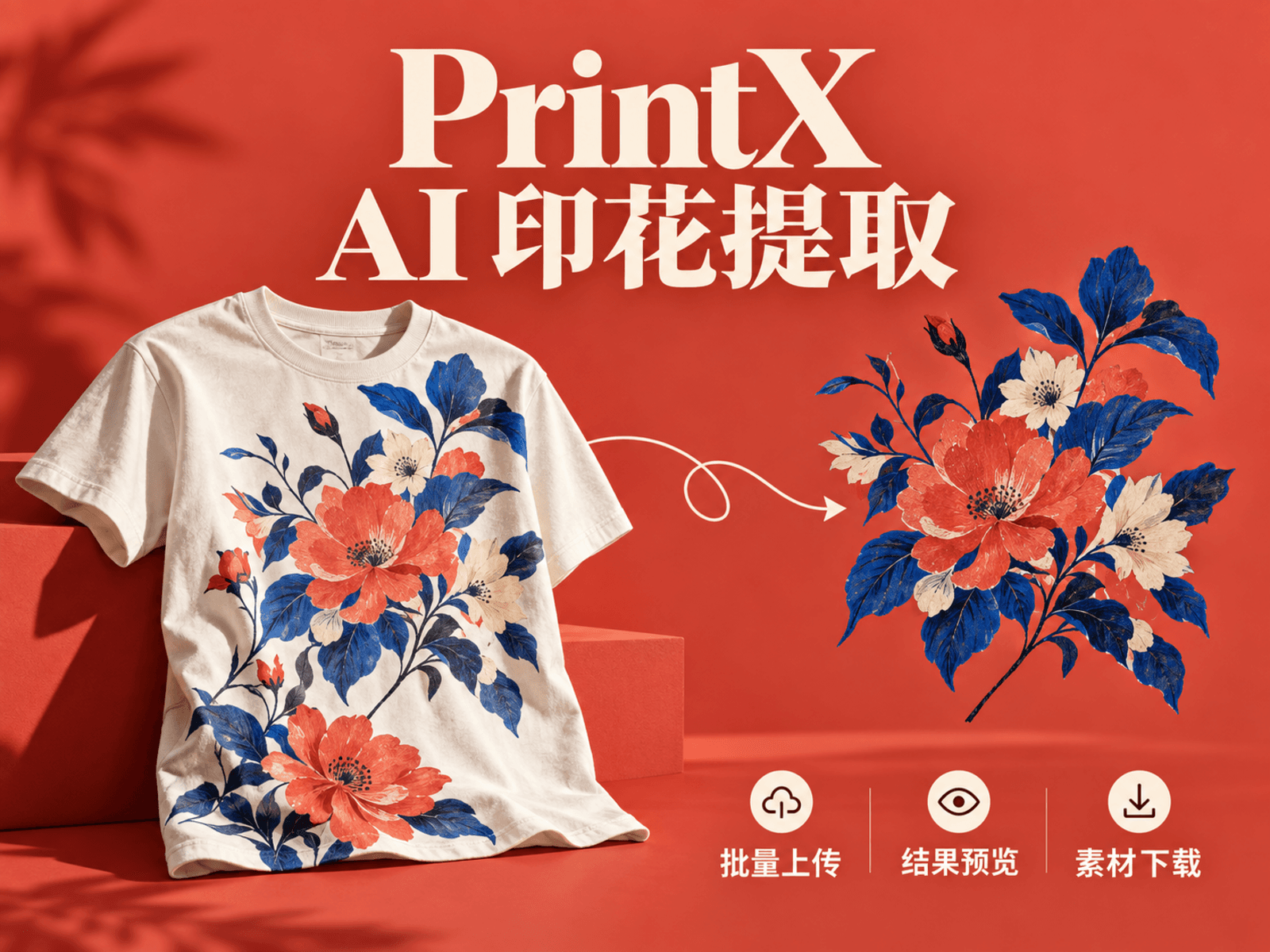
PrintX AI Print Extraction
Turn garment references into print-design starting points with batch imports, cropping, per-image tracking and selective export.
AIImage
View case studyEdit an existing image with written instructions, prepare a crop, compare the result with its source and revisit saved attempts.
Scroll to explore · Click to enlarge
This image-editing workspace helps users explore changes to an existing photo or visual asset. Supply an image, describe a desired change to its background, mood or content, and review the generated edit. Input preparation, instructions, previews and history sit together in a simple workspace for creating visual drafts that can be discussed and developed further.
Uploading and starting an edit are separate steps, leaving time to check the image and refine the instructions before submitting.
The original image and written instructions jointly define each attempt.
Records are associated with the current browser identity for continued use in that browser.
The value is a traceable editing attempt: which image was used, what change was requested and what result was returned. The current workflow centres on single-image editing with text instructions, suitable for visual exploration and previews. Pixel-level retouching or delivery that must preserve every local detail still belongs in a subsequent image-production step.
I independently owned interaction design, image-service integration, full-stack development and deployment. Connected crop preparation, text-guided edits, source comparison, image storage and history, preserving each attempt's input and output for ongoing visual review and iteration.
Explore more work with similar capabilities or uses.
Turn garment references into print-design starting points with batch imports, cropping, per-image tracking and selective export.
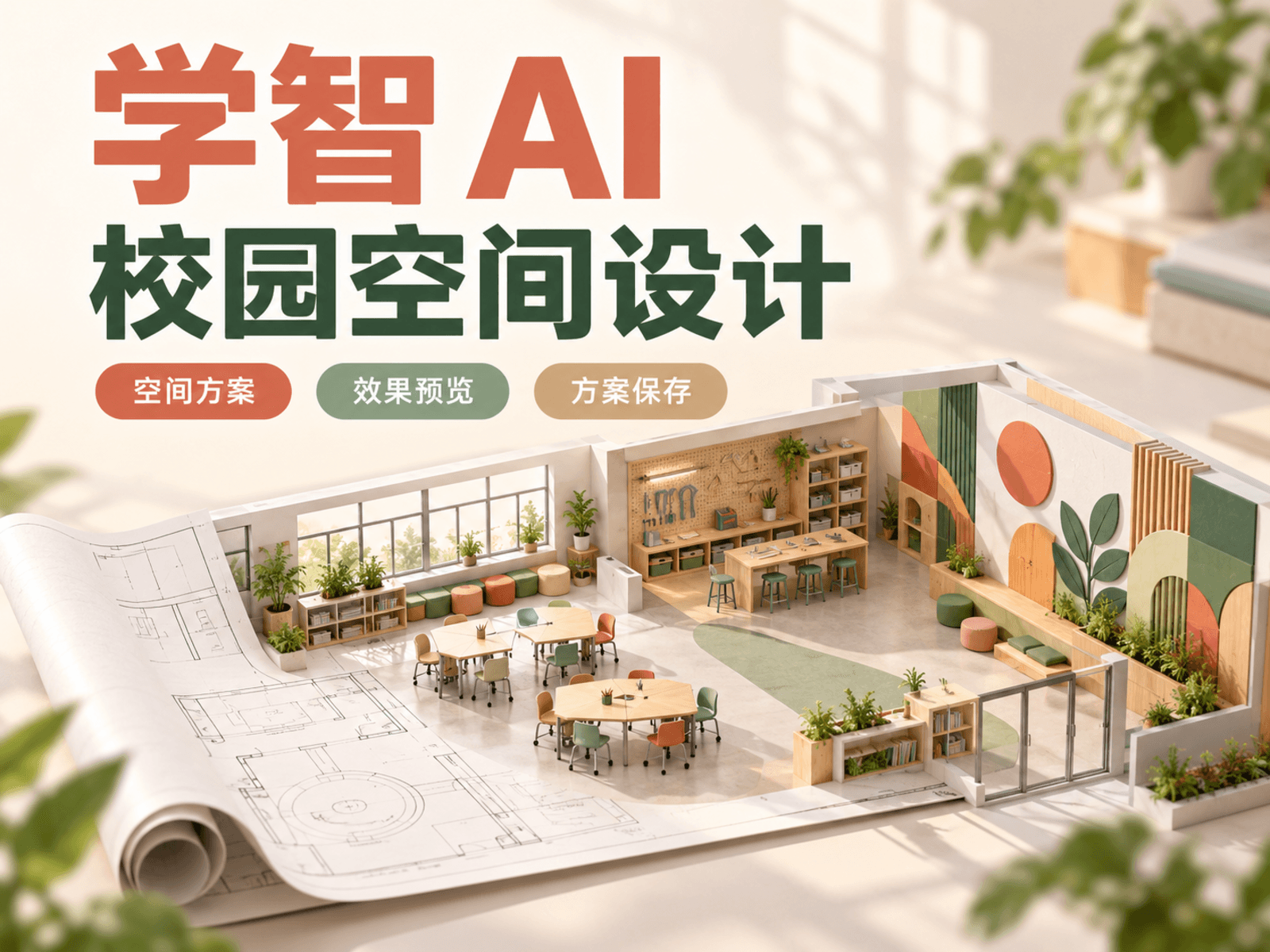
Develop school-space and culture-wall proposals with editable concepts, visual alternatives and saved selections for discussion.
A personal image creation workspace for text-to-image generation, previews, daily history, downloadable archives, and assistant integration.